Excel + AI Mastery: 100 Essential Formulas and Real-World Projects
Master the 100+ Excel formulas professionals actually use, from SUMIFS and XLOOKUP to FILTER, GROUPBY and LAMBDA, check AI-written formulas with confidence, and build real business workbooks across nine modules with practice files, quizzes and a final capstone.
 Created by NextGenTemplates Academy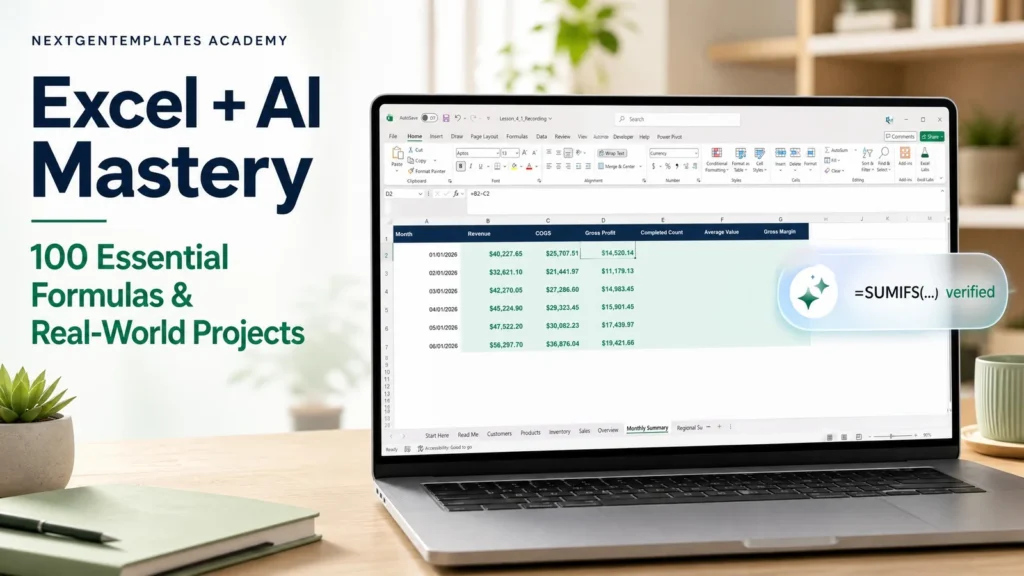
What you’ll learn
- Use 100+ essential Excel functions with confidence, from SUMIFS and XLOOKUP to FILTER, GROUPBY, LAMBDA and REGEX
- Structure workbooks with tables, correct references and a clear calculation order
- Master every lookup pattern: VLOOKUP, XLOOKUP, INDEX/MATCH, XMATCH, two-way and multi-criteria lookups
- Build live reports with dynamic arrays: FILTER, SORT, UNIQUE, VSTACK, GROUPBY and PIVOTBY
- Clean, parse and reconcile messy customer and product records
- Build conditional, date-period, ranking, trend, loan and financial what-if calculations
- Ask Copilot or any AI assistant for formulas and prove every answer with a test grid before you trust it
- Audit and repair broken formulas with test cases and a review log
- Build real business tools: invoices, reorder plans, payroll, receivables aging, commissions, Gantt charts and KPI dashboards
- Finish a complete business control workbook as your final capstone project
A practical route to better work.
A practical, project-based formula course built around realistic business data from one fictional US company. Modules 1-4 build the foundations: workbook structure, tables, references and calculation order; totals, counts, rounding, dates, logical tests and error handling; cleaning and parsing messy text; exact lookups and dynamic arrays; conditional aggregation, ranking, trends, financial what-if calculations and formula auditing; and four real projects - a sales scorecard, inventory reorder and margin analysis, HR attendance and payroll, and a documented handover. Modules 5-7 are masterclasses: VLOOKUP, XLOOKUP, INDEX/MATCH, XMATCH and multi-criteria lookups with an invoice generator; spill, FILTER, SORT, UNIQUE, SEQUENCE, TAKE/DROP, VSTACK/HSTACK, GROUPBY and PIVOTBY with a one-formula sales report; and the power functions you still need - MAXIFS, AGGREGATE, date and time tools, business rounding, a loan EMI planner, REGEX, LAMBDA helpers and presentation helpers. Module 8 shows how to use Copilot or ChatGPT the right way: prompts that produce correct formulas, test grids that prove them, and AI for inherited workbooks - always verified by hand. Module 9 applies everything to nine real-world use cases, from an attendance tracker and receivables aging to a Gantt chart, a sales tax register, a data-cleaning pipeline and a formula-only KPI dashboard. Every lesson includes a practice workbook with a self-marking Checks sheet and a completed solution; every module ends with a hands-on assessment, a quiz and a full solution walkthrough, and the course closes with a final capstone project and a certificate of completion.
Inside the course
10 modules · 75 lessonsMODULE 01Start Here+
MODULE 02Module 1: Formula Foundations and AI Verification+
MODULE 03Module 2: Text Cleanup, Lookups and Dynamic Arrays+
MODULE 04Module 3: Analysis, Finance and Formula Auditing+
MODULE 05Module 4: Real-World Projects and Capstone+
MODULE 06Module 5: Lookup Masterclass+
MODULE 07Module 6: Dynamic Array Masterclass+
MODULE 08Module 7: Power Functions You Still Need+
MODULE 09Module 8: Excel + AI Workflows+
MODULE 10Module 9: Real-World Use Cases+
Practice files
65 downloadable practice workbooks to follow along with the lessons.
Video lessons
58 step-by-step video lessons (11h 47m), streamed securely.
A knowledge check
Test your understanding with clear feedback and explanations.
Certificate of completion
Complete the course to download a certificate of completion with a unique certificate ID.
Is this course for you?
- Working professionals who build or maintain Excel reports
- Analysts, accountants, HR and operations staff who want faster, error-free formulas
- Students and job seekers preparing for Excel-heavy roles and interviews
- Anyone who uses AI for Excel and wants to know when its answer is right
Before you start
- Basic Excel navigation: opening files, selecting cells and typing a simple formula
- Microsoft 365 Excel for Windows recommended (Excel 2021/2024 work for most lessons; see the compatibility guide)
- No paid AI subscription is required: AI steps are optional and every result is verified by hand
Your teaching team
NextGenTemplates Academy
Practical professional learning from the team behind NextGenTemplates. Focused on spreadsheets, reporting, dashboards, analytics and AI-assisted productivity.
Good to know
How do I buy a course, and which payment methods can I use?+
Choose a course, select Add to cart and complete checkout. With an Indian billing address you pay in INR through Razorpay, using UPI, cards or net banking. From any other country you pay in USD through PayPal, including debit and credit cards. It is a one-time payment, and the course appears in My Learning as soon as payment is confirmed.
Can I learn at my own pace?+
Yes. Lessons are organized into modules, and signed-in learners can save their progress and resume where they left off.
Are practice files included?+
Yes. Practice files are included with each paid course and can be downloaded from the course once you are enrolled. They are for your personal learning and your own internal work.
Will I receive a certificate?+
Yes. When you complete all required lessons (and any knowledge check or assignment in the course), you can download a certificate of completion with a unique certificate ID. It confirms course completion; it is not an academic or professional accreditation.
How long will I have course access?+
You get lifetime access: you can use the course for as long as NextGenTemplates Academy operates and offers it, as described in the Course Access Policy. There is no subscription or renewal fee.
Can I get a refund?+
Courses are digital content with immediate access, so purchases are generally non-refundable. Limited exceptions are explained in the Refund Policy.