
Advanced Excel & Power Query: MIS Reporting and Data Analysis with AI
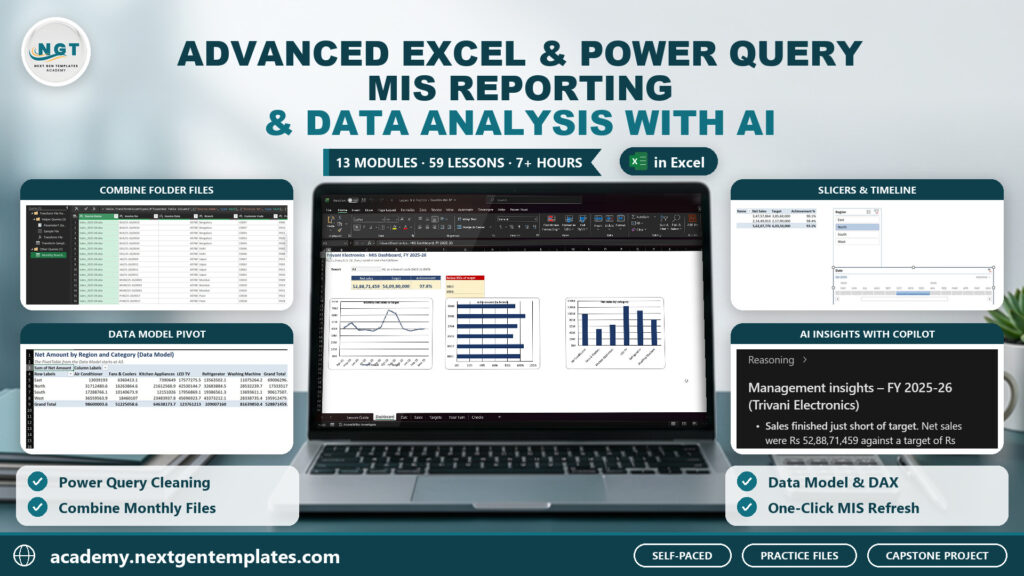
An advanced Excel course for MIS work: clean messy monthly branch files with Power Query, combine them into one refreshable table, add a Data Model, MIS formulas and analysis tools, and build a one-click MIS report. AI helps, and you check every answer.
 Created by Priyendra Kumar (PK) · NextGenTemplates Academy
What you’ll learn
- Clean messy monthly files with Power Query: title rows, spaces, text numbers, mixed dates, crosstabs, duplicates and errors
- Combine a whole folder of monthly branch files into one table that refreshes when next month's file arrives
- Merge master tables and use anti joins to find missing or unmatched records
- Use parameters, Group By, conditional columns and a first look at M code
- Build a Data Model with relationships, a date table and DAX measures for sales, margin, YTD and growth
- Write the formulas an MIS sheet needs: XLOOKUP, SUMIFS by period, FILTER, UNIQUE, SORT, LET and LAMBDA
- Analyse results with variance vs target, trends, rankings, Goal Seek, data tables and Scenario Manager
- Build a one-click MIS report with KPI block, pivot reports, slicers, exception reports and a dashboard page
- Add a checks sheet and export the report to PDF every month
- Use AI (Copilot in Excel or any chat tool) for M code, formulas and commentary, and verify every answer
A practical route to better work.
This advanced Excel course teaches the MIS reporting job the way it really works: twelve monthly sales files arrive from six branches, every file is messy in its own way, and the report is due every month. You follow one fictional company, Trivani Electronics Distribution Pvt. Ltd., through a full financial year and turn its files into a Monthly Sales & Operations MIS pack that refreshes with one click. Start with a clean data layout, Excel Tables, data validation and Indian number formats in lakh and crore. Then learn Power Query from zero: import Excel and CSV files, read the editor and applied steps, set data types and locale, and load and refresh. Clean real problems: title rows, extra spaces, split columns, numbers stored as text with Rs signs, mixed date formats, crosstab reports, duplicates and errors. Combine data by appending queries, combining a whole folder of monthly files, handling a new month with different headers, merging master tables and using anti joins to find missing records. Go further with conditional columns, Group By, parameters, a first look at M code, and staging queries. Build a Data Model with relationships, a date table and DAX measures for net sales, margin, YTD and month-on-month growth. Use the formulas an MIS sheet needs, including XLOOKUP, SUMIFS by period, FILTER, UNIQUE, SORT, LET and LAMBDA, then analyse the numbers with variance against target, trend, ranking, Goal Seek, data tables and Scenario Manager. Put it together as daily, weekly and monthly MIS views, a KPI block, pivot reports with slicers and a timeline, exception reports and a one-page dashboard. Automate delivery with Refresh All, a checks sheet and PDF export. Use Copilot in Excel and other AI tools to write M code, formulas and commentary, and test every answer against a number you already trust. Finish with a capstone where you build the whole pack yourself and compare it with the model answer. Every lesson has a practice file with self-marking checks and a solution file.
Inside the course
13 modules · 59 lessonsMODULE 01Start Here+
MODULE 02Excel Foundations for MIS+
MODULE 03Power Query Basics+
MODULE 04Cleaning Messy Data+
MODULE 05Combining Data+
MODULE 06Advanced Power Query+
MODULE 07Data Model and DAX+
MODULE 08Advanced Formulas for MIS+
MODULE 09Analysis Tools+
MODULE 10Build the MIS Report+
MODULE 11Automate and Deliver+
MODULE 12AI for Analysts+
MODULE 13Capstone Project+
Practice files
14 downloadable practice workbooks to follow along with the lessons.
Video lessons
59 step-by-step video lessons (7h 16m), streamed securely.
Certificate of completion
Complete the course to download a certificate of completion with a unique certificate ID.
Is this course for you?
- MIS executives and analysts who build the same weekly or monthly reports by hand
- Accountants, sales and operations coordinators who combine files from branches or teams
- Excel users who want to learn Power Query and the Data Model on real, messy business data
- Job seekers preparing for MIS, data analyst and reporting roles
Before you start
- Everyday Excel: entering data, sorting, filtering and basic charts
- Basic formulas such as SUM, AVERAGE and IF, with relative and absolute references
- You have made at least one simple PivotTable; no Power Query, DAX or VBA knowledge needed
- Excel for Windows: Microsoft 365 or Excel 2021/2024 (Excel 2016/2019 work with fallbacks shown in the course). Mac users cannot do the Data Model module
- New to Excel? Take the free Excel Essentials in 2 Hours course first
About your instructor
Priyendra Kumar (PK)
Founder, NextGenTemplates · Creator of PK: An Excel Expert
A business intelligence consultant, educator and template creator with more than 20 years of real-world experience in Excel, Power BI, Google Sheets, dashboards and business reporting.
PK has shared Excel tutorials on YouTube since 2017. In this course he teaches the same practical way: understand the idea, work through a business example, and build something you can use.
More about PKGood to know
How do I buy a course, and which payment methods can I use?+
Choose a course, select Add to cart and complete checkout. With an Indian billing address you pay in INR through Razorpay, using UPI, cards or net banking. From any other country you pay in USD through PayPal, including debit and credit cards. It is a one-time payment, and the course appears in My Learning as soon as payment is confirmed.
Can I learn at my own pace?+
Yes. Lessons are organized into modules, and signed-in learners can save their progress and resume where they left off.
Are practice files included?+
Yes. Practice files are included with each paid course and can be downloaded from the course once you are enrolled. They are for your personal learning and your own internal work.
Will I receive a certificate?+
Yes. When you complete all required lessons (and any knowledge check or assignment in the course), you can download a certificate of completion with a unique certificate ID. It confirms course completion; it is not an academic or professional accreditation.
How long will I have course access?+
You get lifetime access: you can use the course for as long as NextGenTemplates Academy operates and offers it, as described in the Course Access Policy. There is no subscription or renewal fee.
Can I get a refund?+
Courses are digital content with immediate access, so purchases are generally non-refundable. Limited exceptions are explained in the Refund Policy.
FREE EXCEL LESSONS BY EMAIL
Not ready to enroll yet?
Join the Academy email list for practical Excel and AI tips, free preview lessons and news when a new course opens. Unsubscribe at any time.